Single cheque
Fill in one cheque, preview it on the bank's layout and print.
Manual cheque writing is outdated
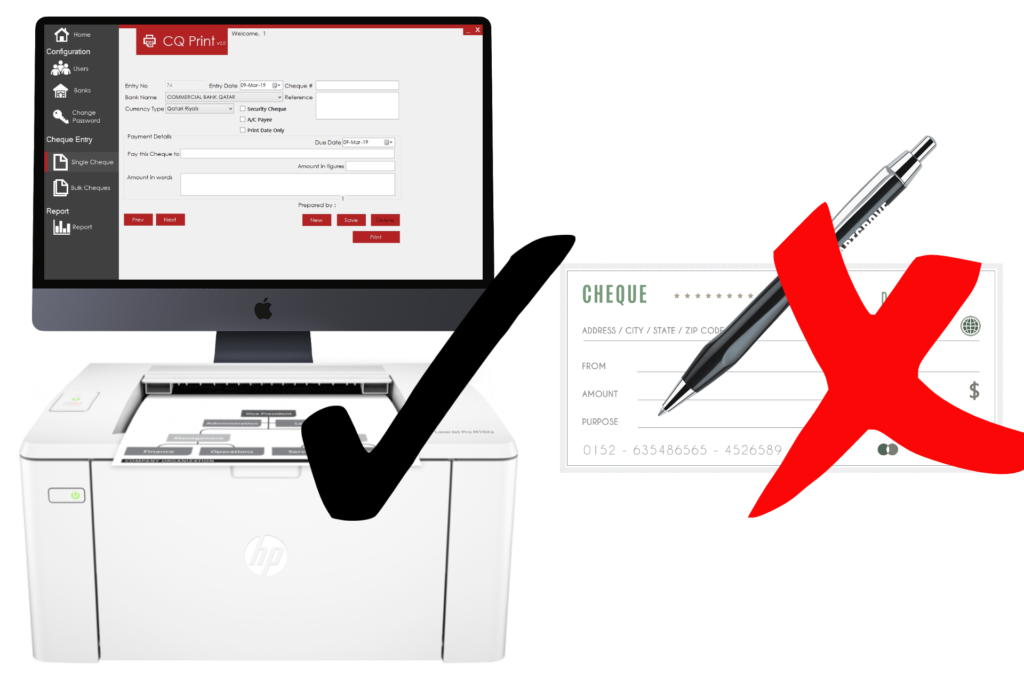
CQ Print fills in payee, date and amount in figures and words, then prints straight onto your blank cheque — on any printer, for any bank in Qatar and the GCC.
How it works
Put the cheque book leaf into any printer you already have.
Choose the bank, type the payee and amount. Words are written for you.
A neat, error-free cheque with optional A/C Payee stamp — every time.
Features
Smart, quick and reliable cheque preparation — built and supported in Qatar.
Fill in one cheque, preview it on the bank's layout and print.
Print a whole series of post-dated cheques at once, or import them from Excel.
Drag fields onto a scan of your cheque with a cm ruler and live position readout.
QNB, CBQ, QIB, Doha Bank and more — add any bank's template yourself.
One alignment test page per printer and every bank prints in the right place.
Automatic number-to-words in English and Arabic for QAR, SAR, KWD, BHD and OMR.
Filter by bank, payee, date or amount and export the cheque register to Excel.
See cheques prepared today and what's due in the next 7 days at a glance.
Take a look
For schools
CQ Print has a school edition that records the student code and parent name with every cheque, prints term-fee PDC series in bulk, and reports on what's due — so the accounts office always knows which family's cheque clears next.
FAQ
No. Once you purchase CQ Print, you own it for life.
Yes. CQ Print works with any Windows printer. Print one alignment test page per printer and every bank's cheque lands in the right place.
No. You can add as many bank templates as you need.
Yes. CQ Print supports both English and Arabic.
Call or WhatsApp us for a free demo. We'll set up your bank templates and printer with you.